The Core Poker Setup Assistant
Your tables land where you put them, every session. Hotkeys on any key, mouse button or controller. And a frame around the table that is waiting for you, so you stop hunting for it.
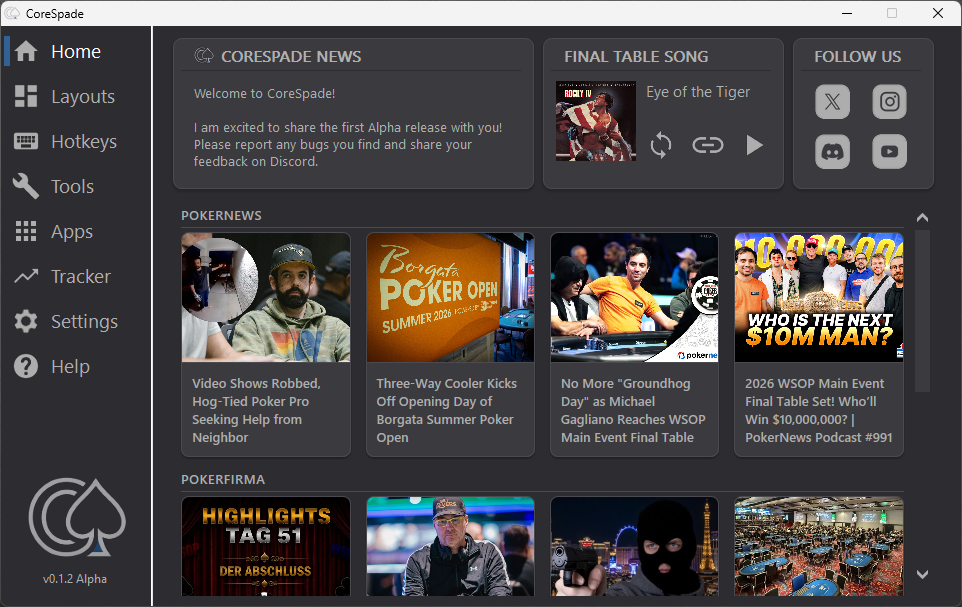
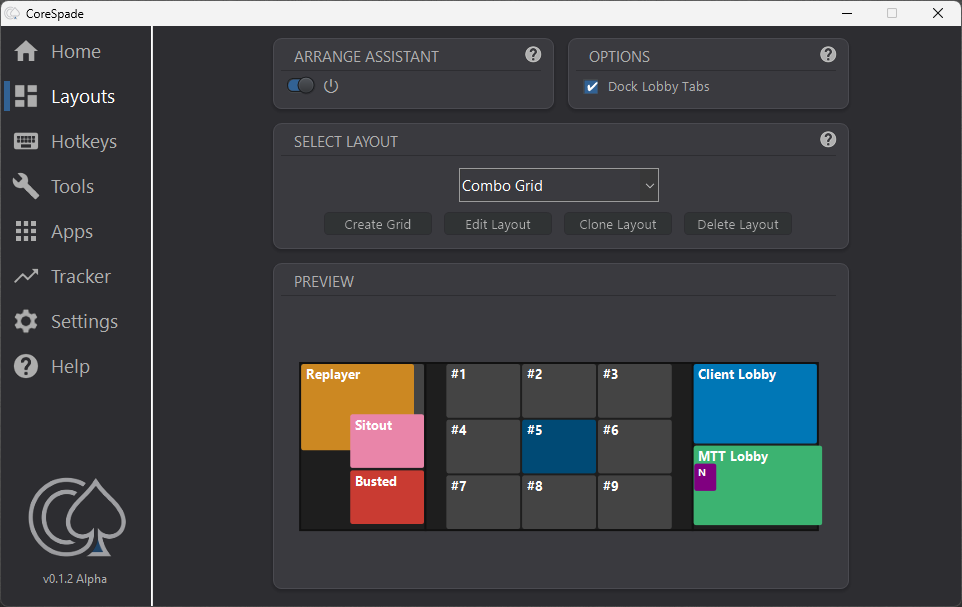
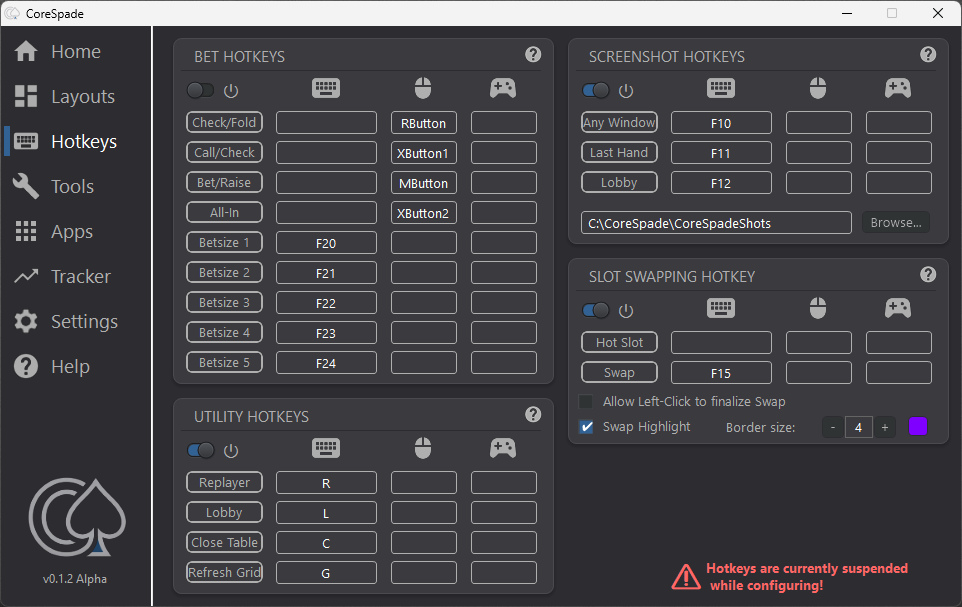
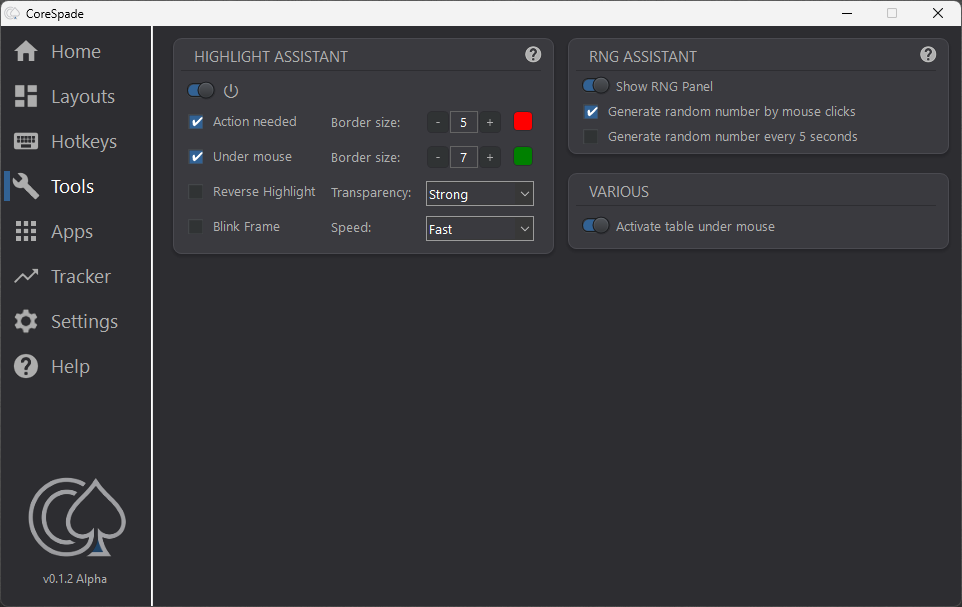
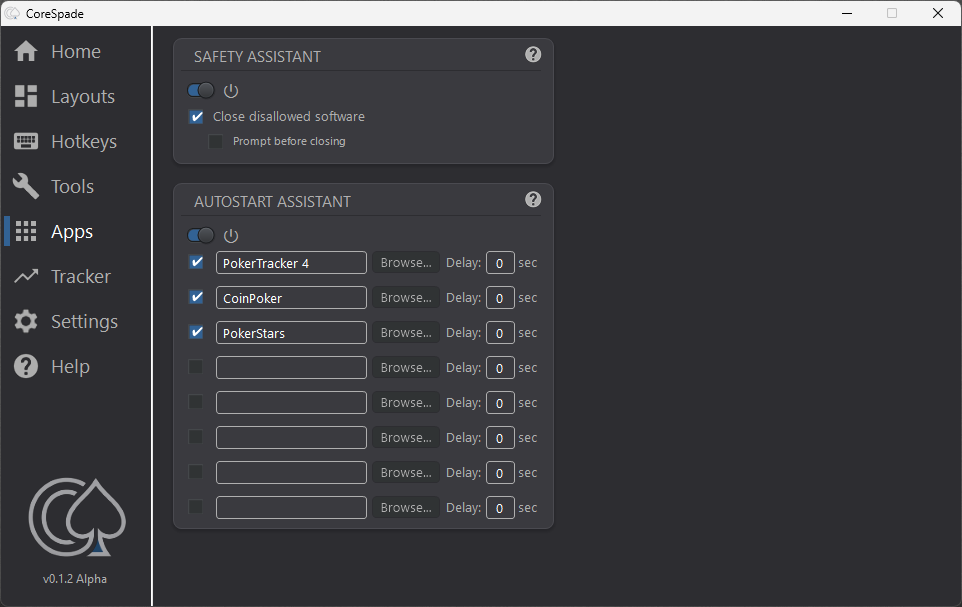
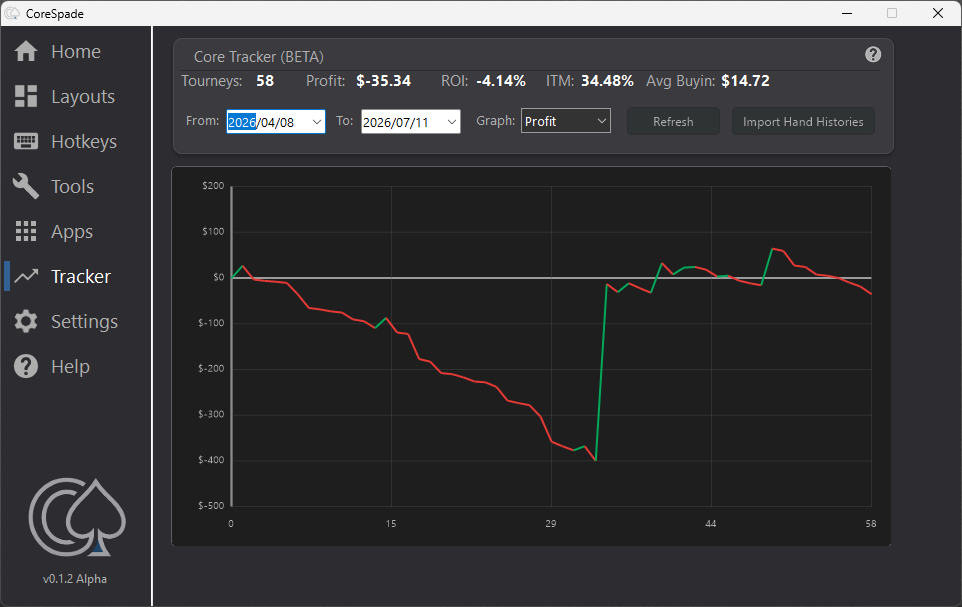
Your tables land where you put them, every session. Hotkeys on any key, mouse button or controller. And a frame around the table that is waiting for you, so you stop hunting for it.
All names are trademarks of their respective owners. CoreSpade is an independent tool and is not affiliated with, endorsed by or sponsored by any poker operator. See our compliance page for what CoreSpade does on each network.
Build the grid your setup actually needs. Each monitor gets its own slot count, alignment, fill direction and overlap — they do not have to match. Clone a slot you like, stack tables where space is tight, and give lobbies, hand history viewers, sitouts and busted tables their own place instead of letting them cover a table you are playing.
Read GuideA table in the wrong place costs you a decision. Move it while you play — drag it, or swap two slots with a hotkey and keep your hands where they are. The table you picked can carry a coloured border so you always know which one you are about to move.
Read GuideFold, check, call, raise, all-in, bet sizes, slot swaps — put them on whatever you can reach fastest. Keyboard, mouse buttons, or a controller in your left hand while the right one stays on the mouse.
Read GuideA coloured frame on the table that is waiting for you. Pick the colour and the thickness, or let it blink for when a static frame stops standing out on a full screen.
Point at a table and it comes forward — no click needed. Nothing gets accidentally folded because you had to click a window before you could read it.
Read GuideOne key: the hand history opens, gets captured, and closes again. The hand you wanted to look at later is saved before you have finished the next one — and your session never stopped.
Read GuideThe price you sign up at is the price you pay for the next three years. I am writing that down publicly so you can hold me to it. After that, changes stay in proportion — a tool you rely on every session should not become a negotiation.
This is where bugs get reported and where I answer fastest. Feature requests from there have made it into the tool — tell me what is missing for your setup.
Join the CoreSpade Discord server